Resume builder vs Microsoft Word
Choosing between OpenResume Builder and Microsoft Word for a document depends on whether you want a dedicated MIT client with profiles and ATS plain text, or an office suite you already pay for. Both can produce a PDF. They are not the same workflow.
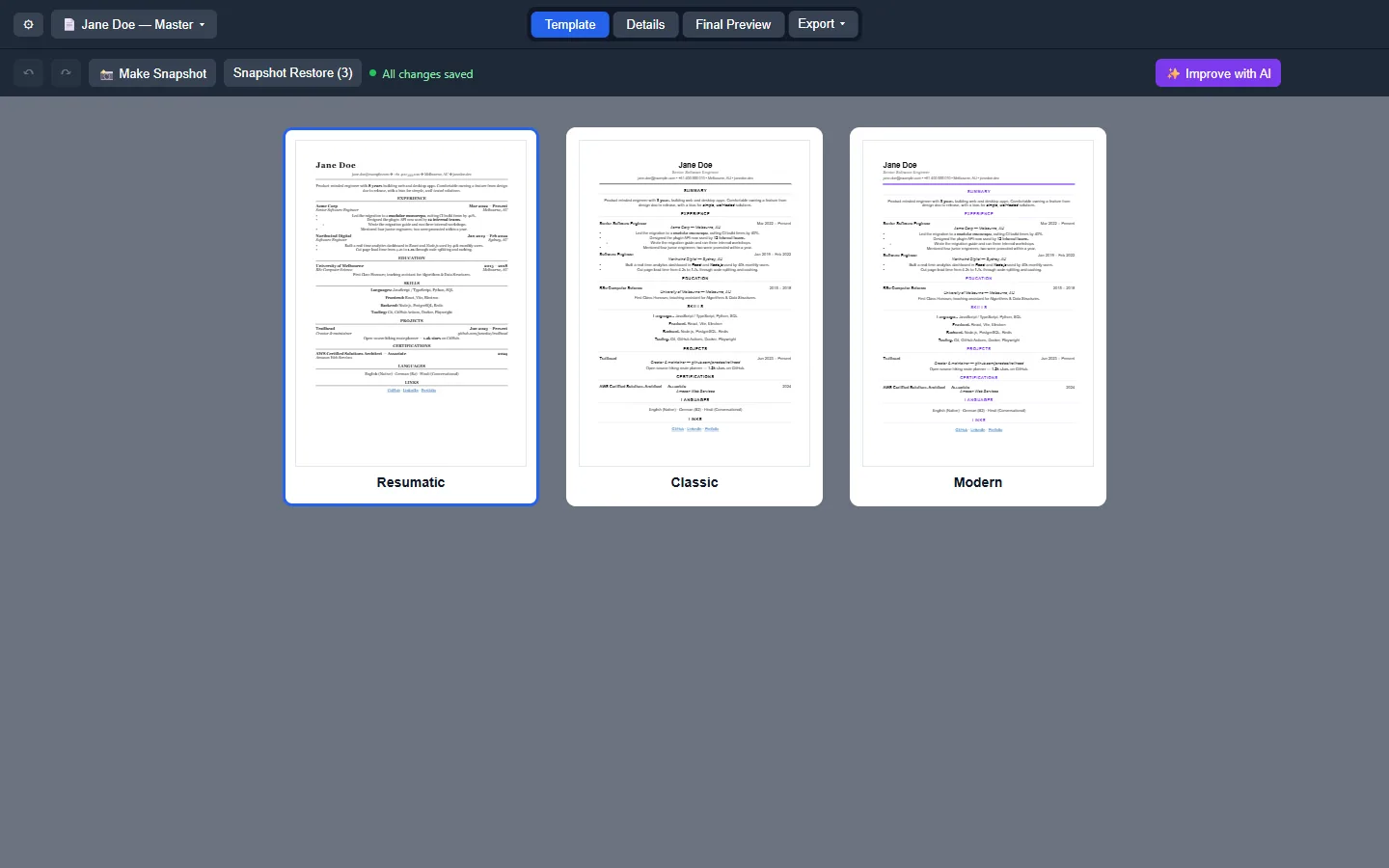
Side-by-side
| Topic | OpenResume Builder | Microsoft Word |
|---|---|---|
| Price | Free MIT | Microsoft 365 or one-time Office |
| Open source | Yes | No |
| document profiles | First-class New/Duplicate/Rename | Manual file copies |
| Templates | Classic, Modern, Resumatic | Huge gallery; uneven ATS quality |
| ATS plain text | Dedicated .txt export | Save As text; formatting loss varies |
| Offline | Yes after install | Yes in desktop Word |
| Signup | None required | Often Microsoft account |
Where Word still wins
Word wins when your employer already standardizes on .docx review, track changes, and shared OneDrive. It wins when you need mail merge, macros, or complex tables that a focused desktop client will not prioritize. It wins when support seats and training already exist.
If your only goal is “open the file HR already uses,” stay on Word for that thread and keep OpenResume Builder for clean submissions elsewhere.
Where OpenResume Builder wins
OpenResume Builder wins when you want multiple document profiles without drowning in Desktop copies named final-final. It wins when you want PDF, Word, and plain text from one export menu. It wins when you refuse another subscription just to edit employment history offline.
MIT source and public Releases names make lab imaging simpler than hunting which Word template someone customized last year.
Canva and Google Docs in the same decision
Canva is design-first and account-based. Google Docs is collaboration-first. Neither replaces a local document profile with snapshots and JSON backups. Switch notes from Canva: switch from Canva.
Practical recommendation
- Already deep in Word review cycles → keep Word; optionally add OpenResume Builder for ATS text.
- Need offline MIT client with profiles → OpenResume Builder first.
- Cannot install software → Canva or Docs until you regain a machine you control.
Install chooser: for this computer. Safe download: download safely. Export guide: export formats.
Honesty about polish
Word’s visual polish and enterprise templates are mature. OpenResume Builder is a focused Electron client with three templates and strong local habits. If you need brochure-grade illustration, neither tool replaces a designer — and Canva may still sit beside either option.
Sheet Quill compares category tools for install guidance. Upstream OpenResume Builder remains at Abhisek571/openresume-builder under MIT. Microsoft Word remains a Microsoft product with its own licensing.
Migration sketch from Word
Save a .docx copy for reference, install OpenResume Builder, create a profile, and paste sections. Do not expect perfect style mapping. Prove PDF and plain text before you retire the Word file. First hour: installed.
Workshop and helpdesk checklist
Before a document workshop, verify the Releases tag still ships the Setup exe, arm64 dmg, x64 dmg, and AppImage you plan to teach. Print the filenames on the handout. Tell attendees that winget is optional and that brew was not found, so nobody wastes time inventing package ids during the session.
Helpdesk tickets should ask for the download URL, the filename, and whether SmartScreen or Gatekeeper appeared. Those three facts separate a real install problem from an adware mirror. Keep a sample PDF PDF export on the helpdesk share so volunteers know what success looks like.
When policy blocks executables, document the exception path or keep Word available. Do not coach students to disable OS security wholesale just to finish a document. Prefer a supervised lab image where OpenResume Builder is already approved.
After the workshop, collect which door each attendee used — Setup, Portable, winget, dmg, or AppImage — so the next session materials stay honest about what worked on real hardware. Paths marked UNVERIFIED in research should be tested on a staff laptop before you promise them to a room.
Semester image checklist
Before you freeze a lab image, confirm the Releases tag still ships Setup, both macOS dmgs, and the AppImage. Print filenames on the handout. Note that brew was not found so students do not invent package commands during class. After imaging, open the client once and export a one-line PDF so you know the binary launches.
Helpdesk volunteers should ask for the download URL host and the exact filename before they ask for screenshots. Those two facts separate a Releases problem from an adware mirror problem. Keep a sample export on the shared drive so success has a visual reference.