Resume releases: which file to take
The current stable resume build on GitHub Releases for Abhisek571/openresume-builder ships Windows Setup and Portable executables, Apple Silicon and Intel dmgs, and a Linux AppImage. Match the filename pattern to your OS before you clear SmartScreen or Gatekeeper.
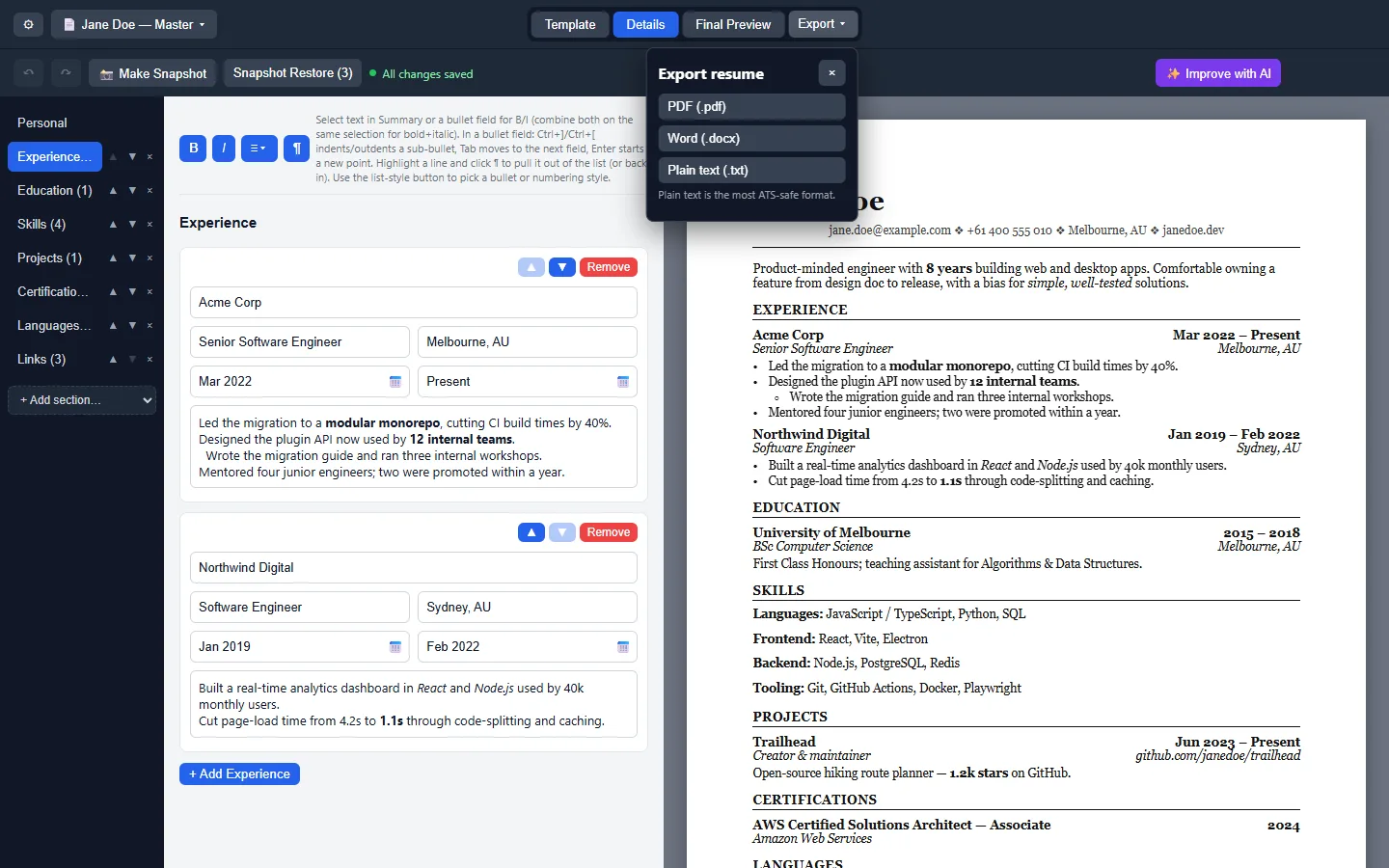
Latest tagged desktop client on this build: 2.2.6 (v2.2.6). Prefer that tag family when you document a lab image. Live list: GitHub Releases.
Filename patterns that matter
| Pattern | OS | When to use it |
|---|---|---|
OpenResume-Builder-Setup-<version>.exe | Windows | Primary installer with Start Menu shortcut and uninstaller. |
OpenResume-Builder-Portable-<version>.exe | Windows | Portable exe; no install; run from a folder you control. |
OpenResume-Builder-<version>-arm64.dmg | macOS | Apple Silicon dmg; unsigned; Gatekeeper right-click Open. |
OpenResume-Builder-<version>-x64.dmg | macOS | Intel Mac dmg on the same tag. |
OpenResume-Builder-<version>.AppImage | Linux | Self-contained AppImage; chmod +x before launch. |
Ignore latest.yml, latest-mac.yml, and latest-linux.yml. Those files feed electron-updater; they are not human installers for a document desk.
Windows Setup versus Portable
Setup writes Start Menu entries and an uninstaller. Portable keeps the document binary in a folder you choose, which helps USB labs and locked-down profiles. Both names share the OpenResume-Builder- prefix on the same tag. Prefer Setup for shared career-center PCs so uninstall stays obvious.
Winget package id AbhisekkumarShandilya.OpenResumeBuilder resolves in microsoft/winget-pkgs and currently points at the Setup exe for the same version line. Machine behaviour remains UNVERIFIED here. Windows guide: install on Windows.
macOS dmg notes
Take arm64 on Apple Silicon and x64 on Intel. Upstream documents unsigned builds and Gatekeeper right-click Open. No Homebrew cask was found on formulae.brew.sh on the review date, so do not invent a brew install line. macOS guide: install on macOS.
Linux AppImage notes
Download the AppImage, run chmod +x, then launch. If FUSE is missing, upstream documents --appimage-extract-and-run or installing libfuse2. No snap or Flatpak id was found on the review date. Linux guide: install on Linux.
How assetMatch picks release files
assetMatch regexes in site config map each OS tab to the patterns above. When a new tag ships, npm run fetch:gh refreshes gh.json so the install panel shows the live resume asset names without hard-coding a dotted version in copy.
Safe download habits: download safely. Repo map: GitHub. Machine chooser: for this computer.
Prereleases
Beta tags may appear between stables. This guide prefers stable resume tags that ship the Setup exe pattern. Skip beta assets on shared desks unless you are deliberately testing.
When a tag drops an OS asset, re-check the live Releases list before you rewrite a lab ticket. Sheet Quill updates the research file when patterns change.
Workshop and helpdesk checklist
Before a document workshop, verify the Releases tag still ships the Setup exe, arm64 dmg, x64 dmg, and AppImage you plan to teach. Print the filenames on the handout. Tell attendees that winget is optional and that brew was not found, so nobody wastes time inventing package ids during the session.
Helpdesk tickets should ask for the download URL, the filename, and whether SmartScreen or Gatekeeper appeared. Those three facts separate a real install problem from an adware mirror. Keep a sample PDF PDF export on the helpdesk share so volunteers know what success looks like.
When policy blocks executables, document the exception path or keep Word available. Do not coach students to disable OS security wholesale just to finish a document. Prefer a supervised lab image where OpenResume Builder is already approved.
After the workshop, collect which door each attendee used — Setup, Portable, winget, dmg, or AppImage — so the next session materials stay honest about what worked on real hardware. Paths marked UNVERIFIED in research should be tested on a staff laptop before you promise them to a room.
Semester image checklist
Before you freeze a lab image, confirm the Releases tag still ships Setup, both macOS dmgs, and the AppImage. Print filenames on the handout. Note that brew was not found so students do not invent package commands during class. After imaging, open the client once and export a one-line PDF so you know the binary launches.
Helpdesk volunteers should ask for the download URL host and the exact filename before they ask for screenshots. Those two facts separate a Releases problem from an adware mirror problem. Keep a sample export on the shared drive so success has a visual reference.