Resume on GitHub: project map
The desktop desktop client this guide covers lives at Abhisek571/openresume-builder under the MIT licence. Releases hold the Setup exe, Portable exe, macOS dmgs, and Linux AppImage. The wiki holds install troubleshooting that does not fit a README screenshot.
What to open first
- Repository home for README features and licence.
- Releases for the document binaries named OpenResume-Builder-*.
- Wiki for Installation, Features, Screenshots, and Roadmap.
- Issues for bugs and feature requests.
Sheet Quill is not the vendor. Corrections for this install guide go through the contact page; upstream bugs belong on the project issues list.
Licence and brand use
MIT means you can use, modify, and redistribute the software under the licence terms. This site uses the category word resume in titles and names the product in body copy. Product screenshots in docs/ are reused under MIT with credit. Licence file: LICENSE.
Security contact
GitHub Security Advisories for the repo: security tab. Builds are unsigned on Windows and macOS per the wiki; treat SmartScreen and Gatekeeper prompts as expected, not as proof of malware by themselves.
Winget packaging
Community manifests under AbhisekkumarShandilya.OpenResumeBuilder live in microsoft/winget-pkgs and currently track the Setup exe. That id is the only package-manager id this guide verified. Homebrew cask, snap, and Flatpak were not found on the review date.
How releases relate to the install panel
The install panel reads gh.json generated from the public Releases API. When you need the human explanation of which resume file to pick, use releases. When you need hash-checking habits, use download safely.
Install by OS: Windows, macOS, Linux. First hour: installed.
Wiki pages worth bookmarking
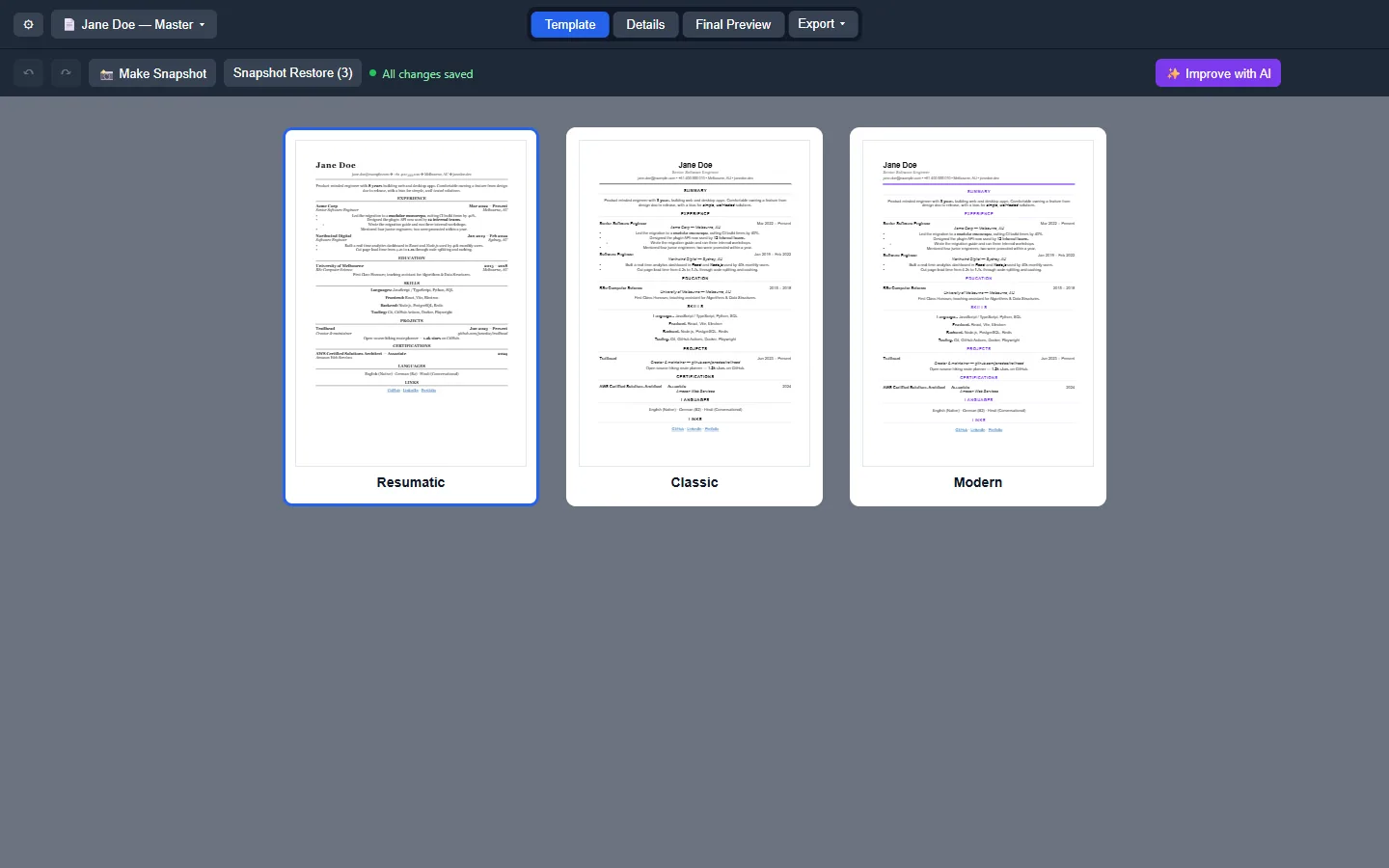
Installation covers SmartScreen, Gatekeeper, and AppImage FUSE. Features lists profiles, export formats, dark mode, and snapshots. Screenshots show the workspace you should recognize after first launch. Roadmap notes what is not packaged yet, including the absence of apt/snap installs.
Keep those wiki URLs beside the machine ticket so the next person does not invent a brew cask for this desktop client.
Workshop and helpdesk checklist
Before a document workshop, verify the Releases tag still ships the Setup exe, arm64 dmg, x64 dmg, and AppImage you plan to teach. Print the filenames on the handout. Tell attendees that winget is optional and that brew was not found, so nobody wastes time inventing package ids during the session.
Helpdesk tickets should ask for the download URL, the filename, and whether SmartScreen or Gatekeeper appeared. Those three facts separate a real install problem from an adware mirror. Keep a sample PDF PDF export on the helpdesk share so volunteers know what success looks like.
When policy blocks executables, document the exception path or keep Word available. Do not coach students to disable OS security wholesale just to finish a document. Prefer a supervised lab image where OpenResume Builder is already approved.
After the workshop, collect which door each attendee used — Setup, Portable, winget, dmg, or AppImage — so the next session materials stay honest about what worked on real hardware. Paths marked UNVERIFIED in research should be tested on a staff laptop before you promise them to a room.
Naming and search hygiene
People searching for resume help often land on template marketplaces first. This GitHub project is a desktop client, not a pack of .docx files. When you share the repo link in chat, paste the full https://github.com/Abhisek571/openresume-builder URL so nobody “helps” by attaching a random Setup.exe.
Stars and forks on a young project move quickly; do not treat a low star count as proof of malware or of excellence. Prefer the MIT licence file, the Releases asset list, and the wiki Installation page when you decide whether the desktop client fits a lab image.
If you fork the repo for classroom patches, keep your fork’s Releases separate from the upstream filenames students expect. Confusion between forks is a common way a document workshop installs the wrong build.
Semester image checklist
Before you freeze a lab image, confirm the Releases tag still ships Setup, both macOS dmgs, and the AppImage. Print filenames on the handout. Note that brew was not found so students do not invent package commands during class. After imaging, open the client once and export a one-line PDF so you know the binary launches.
Helpdesk volunteers should ask for the download URL host and the exact filename before they ask for screenshots. Those two facts separate a Releases problem from an adware mirror problem. Keep a sample export on the shared drive so success has a visual reference.