Set up a resume builder on this computer
Setting up a desktop builder on this computer means choosing the OpenResume Builder asset that matches the OS in front of you, installing from GitHub Releases or winget, and proving one PDF export before you invest real history.
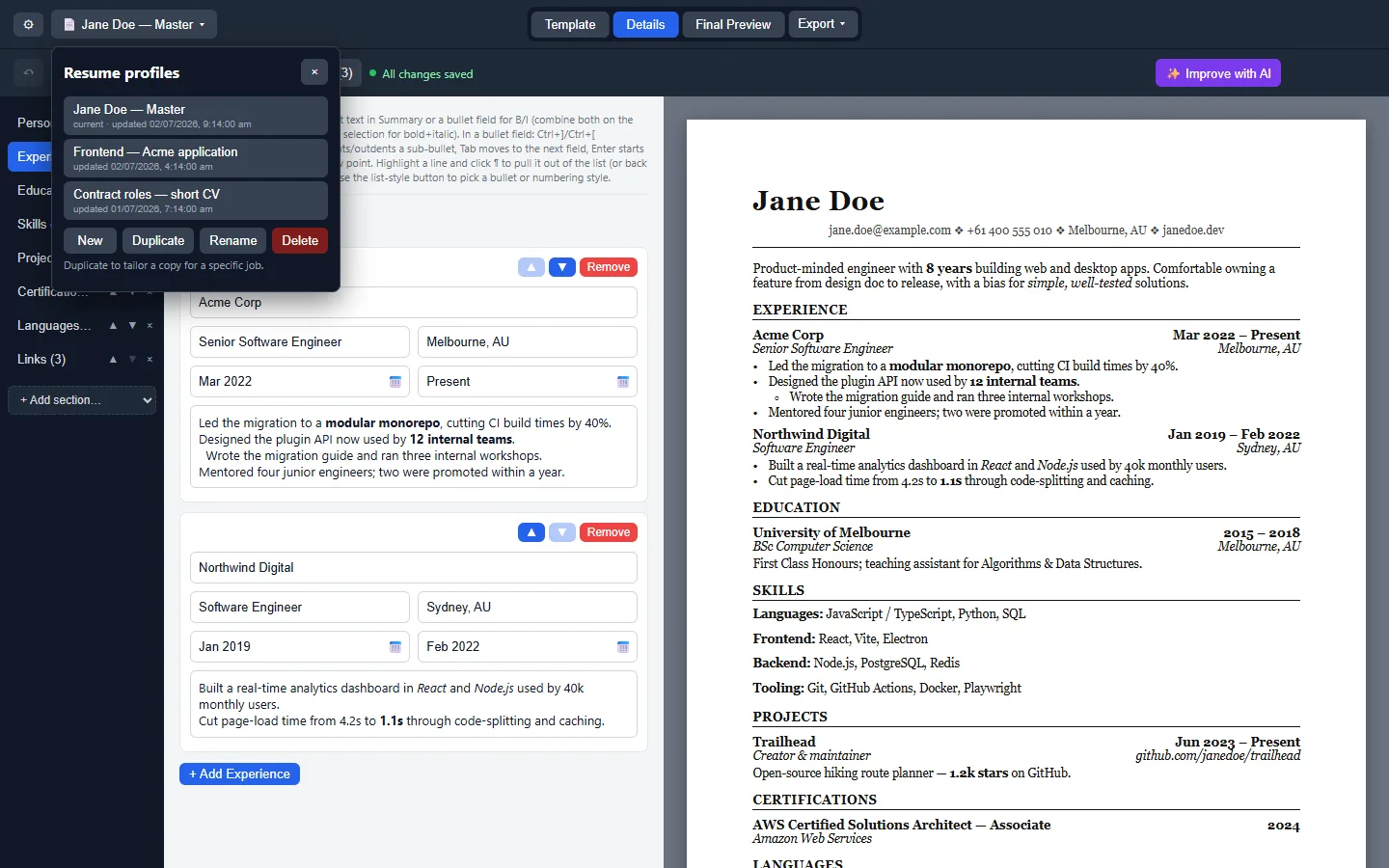
Quick chooser
| If you see… | Take… | Guide |
|---|---|---|
| Windows 10/11 | Setup exe or winget id AbhisekkumarShandilya.OpenResumeBuilder | Windows |
| Apple Silicon Mac | OpenResume-Builder-*-arm64.dmg | macOS |
| Intel Mac | OpenResume-Builder-*-x64.dmg | macOS |
| Desktop Linux | OpenResume-Builder-*.AppImage | Linux |
No Homebrew cask, snap, or Flatpak id was found on the review date. Do not invent package names to fill empty cells.
Eight steps on this machine
- Name the operating system. Windows, macOS, or Linux decides which resume asset you take. Do not download every file “just in case” on a shared desk.
- Open the official Releases list. Use Abhisek571/openresume-builder releases, not a search ad. Confirm the tag ships the Setup exe pattern for Windows-first labs.
- Take one primary door. Windows: Setup or winget. macOS: arm64 or x64 dmg. Linux: AppImage. Document the choice on the machine ticket.
- Clear OS warnings only after URL check. SmartScreen and Gatekeeper are expected for unsigned builds. Proceed only when the download URL was GitHub or winget.
- Launch and create a profile. Create a New resume profile, confirm autosave, and leave Canva logged out until you finish the first export.
- Export a tiny PDF. Prove the resume pipeline works before you paste real employment history.
- Save JSON backup location. File → Save As to a folder you control. Note the path beside the OS version.
- Schedule the update door. Return to the same Releases or winget path for bumps. Skip adware mirrors forever.
Windows-specific notes
Prefer Setup for machines that need a clean uninstall story. Prefer Portable when you lack admin rights and can run an exe from a user folder. Winget is convenient when App Installer is present and the id resolves. Installer behaviour remains UNVERIFIED on a real Windows box in this research pass.
If SmartScreen appears, confirm the Releases URL first. Then use More info → Run anyway for the unsigned build upstream documents.
macOS-specific notes
Match chip to dmg. Upstream notes CI-built dmgs are not yet verified on real Mac hardware, so treat first launch carefully. Right-click Open to clear Gatekeeper once. Brew cask: not found.
Linux-specific notes
chmod +x the AppImage, then launch. If FUSE errors appear, install libfuse2 or use --appimage-extract-and-run as the wiki describes. Snap/Flatpak: not found.
Accounts and sync
OpenResume Builder does not require a cloud account for a local document profile. Sync is your JSON file and whatever folder sync tool you already trust. Do not upload drafts to random web resume sites just to “keep a backup” if local JSON already exists.
Uninstall pointers
- Windows: Apps and features, or winget uninstall AbhisekkumarShandilya.OpenResumeBuilder (UNVERIFIED on a real machine).
- macOS: remove the app from Applications after a dmg install.
- Linux: delete the AppImage and any desktop entry you created.
Deeper update/uninstall: update uninstall. Safe download: download safely. First hour: installed.
When this computer cannot install
If policy blocks executables, keep Word or a browser resume maker as a temporary path and document that limitation. Do not bypass security policy with random portable exes from chat. Revisit OpenResume Builder when you regain a machine you control.
Sheet Quill publishes the chooser; upstream remains Abhisek571/openresume-builder under MIT.
Semester image checklist
Before you freeze a lab image, confirm the Releases tag still ships Setup, both macOS dmgs, and the AppImage. Print filenames on the handout. Note that brew was not found so students do not invent package commands during class. After imaging, open the client once and export a one-line PDF so you know the binary launches.
Helpdesk volunteers should ask for the download URL host and the exact filename before they ask for screenshots. Those two facts separate a Releases problem from an adware mirror problem. Keep a sample export on the shared drive so success has a visual reference.
Paper ticket example
Write three lines: the OS version, the exact Setup or dmg or AppImage filename, and the Releases URL. Tape it to the machine or store it with the lab inventory. After every reimage, export one short PDF so you know the binary still launches before class starts.